Somewhere along the way, software got heavy. You want to crop one image and the app wants an account, a subscription, and permission to send notifications. Free web tools push back against that bloat: tiny, single-purpose pages that open in a tab, do exactly one job, and close without leaving a trace on your device.
Over the past year I have replaced four paid subscriptions and a folder of dusty desktop installs with a bookmark bar of these tiny utilities. Below is the reasoning, the nine-tool starter kit I recommend to friends, and the habits that make the minimalist approach stick through 2026.
The Case for One-Tab Software
Every installed application charges rent. It occupies disk space, demands updates, adds another privacy policy to your life, and frequently another monthly fee. For jobs you perform weekly at most, that overhead never pays for itself.
The subscription math is just as unflattering. Three modest $8 monthly plans quietly total nearly $300 a year, often for features a free page performs in ten seconds. Auditing that spend is usually where the minimalist experiment begins.
Browser-based utilities flip the cost structure:
- Nothing to install, so nothing to update or uninstall.
- They work identically on a MacBook, a school Chromebook, and an office PC where you lack admin rights.
- Each does one job, so there is no feature maze to relearn after six months away.
- Most run client-side, meaning your file never leaves the machine.
Why Do Single-Purpose Free Web Tools Beat Big Apps?
The honest answer is focus. An all-in-one suite must serve every user, so its interface buries your task under everyone else’s. A page built for exactly one conversion or calculation puts the input box front and center, and you are finished before a big suite would have loaded its splash screen.
There is a cognitive benefit too. Naming the job and picking the matching tool keeps you deliberate, while opening a mega-app invites forty minutes of wandering. Small tools respect the size of small tasks.
Life Admin in a Browser Tab
The pattern shines brightest on personal milestones and paperwork. Expectant parents are a perfect example: within days of good news, planning kicks off around one date, and a due date calculator online answers the first question instantly, no app download, no email capture, no pregnancy-tracker account nagging you for years afterward.
From that single estimated date flows the practical calendar: when to notify an employer, how parental leave lands against project deadlines, which months the budget needs padding. One tab, one number, and the planning spreadsheet gets its anchor.
The same one-tab pattern covers unit conversions before an online purchase, word counts for an application essay, and time-zone math before a family video call.
A Developer Corner That Fits in a Bookmark Bar
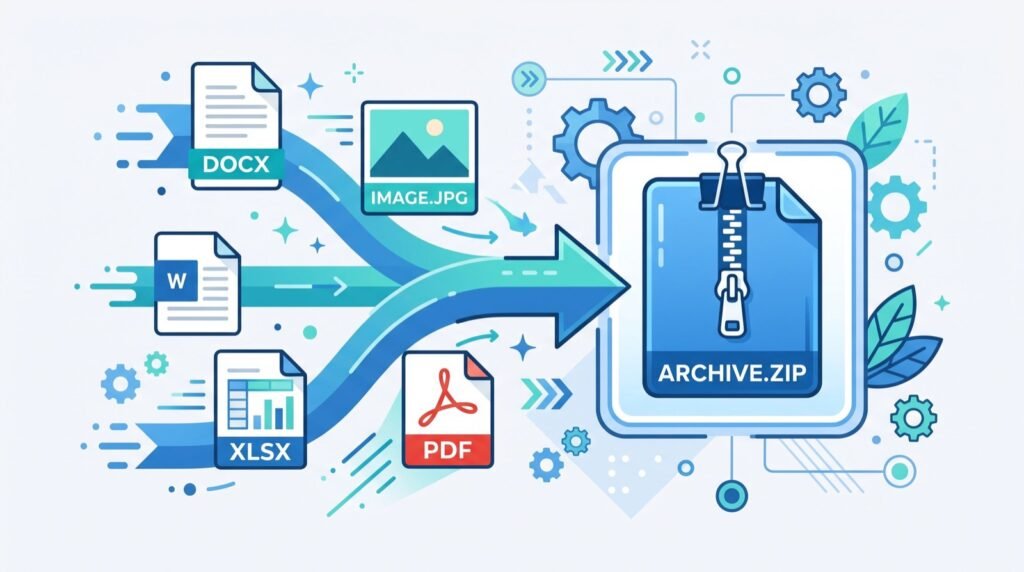
Technical workers may benefit the most, because their small tasks arrive constantly. A designer hands you a logo and the stylesheet needs it inline: a page that can convert SVG to Base64 turns the file into an embeddable string in seconds, which drops an HTTP request and sidesteps the pathway restrictions that plague email clients and sandboxed environments.
If you want the theory behind that trick, the MDN Web Docs page on data URLs explains how browsers treat an encoded resource as if it were a fetched file, along with the size trade-offs worth knowing before you inline everything in sight.
The same corner of the bookmark bar handles the rest of a developer’s daily gravel: prettifying a minified stylesheet from a legacy project, generating placeholder text for a mockup, or checking what a color code looks like before committing it. None of these justify an IDE plugin hunt, and all of them interrupt flow when you stop to solve them by hand.
Build Your 9-Tool Starter Kit
Audit a typical month and you will find the same small chores repeating. Here is a kit that covers most of them:
| # | Recurring chore | One-tab tool type |
|---|---|---|
| 1 | Milestone and appointment planning | Date calculator |
| 2 | Embedding graphics in code or email | SVG and image encoder |
| 3 | Compressing photos before upload | Image compressor |
| 4 | Merging scanned paperwork | PDF merger |
| 5 | Checking essay or bio length | Word counter |
| 6 | Converting units while shopping abroad | Unit converter |
| 7 | Creating strong passphrases | Password generator |
| 8 | Making QR codes for events | QR generator |
| 9 | Scheduling across time zones | Time-zone planner |
Bookmark all nine in a single folder. The kit costs nothing and covers the gap between “too small for real software” and “too fiddly to do by hand.” Swap entries freely as your month changes shape, since the point is coverage of your chores, not loyalty to any list.
Habits That Make Tiny Tools Stick
Tools only save time when reaching for them is automatic, and that is a habit problem rather than a technology problem. It mirrors personal finance: tiny repeated actions compound quietly, the way dependable specialists in money management keep preaching about small automatic transfers. Three practices help:
- Name bookmarks by the chore, “compress photo,” not by the site name you will forget.
- When a task recurs three times, promote its tool to the visible bookmark bar.
- Once a quarter, prune anything you have not clicked, keeping the kit lean enough to trust.
Frequently Asked Questions
Are free web tools safe for private files?
Prefer tools that process data in the browser rather than uploading it, which is common for encoders, counters, and calculators. For anything sensitive, check the page’s privacy note, and keep truly confidential documents to offline software your organization approves.
Do these tools work without an internet connection?
The page must load once, but many client-side utilities keep working after the connection drops since the logic runs locally. A desktop app still wins for heavy offline work like video editing.
Why not just use one all-in-one toolbox site?
Toolbox sites are fine as a directory, and the distinction that matters is per-task focus, not domain count. The failure mode to avoid is the installed mega-suite that charges monthly for forty features when you use two.
Small Tools, Big Margin
The quiet promise of free web tools is margin: minutes reclaimed from installs, updates, and interface sprawl, multiplied across a year of small chores. Assemble the nine-bookmark kit this week, name each by its job, and let 2026 be the year your computer carries less and does more. The next tiny task that lands on your desk is the perfect test run.